
Quick Prototypes with Lovable
Sometimes you need to see an idea, not just describe it — visualize concepts in minutes without maintaining code.
INFO
- Time: ~45 minutes
- Difficulty: Beginner
- What you'll learn: How to visualize ideas quickly without maintaining code
This Page Covers
- What Lovable Does - Generate working web apps from descriptions
- Good Use Cases - When prototyping makes sense
- Bad Use Cases - When NOT to use Lovable
- How to Use It - Step-by-step walkthrough
- The Important Caveat - Prototypes vs. production
What Lovable Does
Lovable generates working web applications from plain English descriptions. You describe what you want, and it builds it - complete with a shareable URL.
The value: Sometimes you need to see an idea, not just describe it. Instead of trying to explain your vision in a meeting, you can show a working prototype in minutes.
How It Works
- You describe what you want in plain English
- AI generates the code (React, HTML, CSS)
- You see a live preview immediately
- You can iterate with more instructions
- One click deploys it to a real URL
Think of it as: A sketch artist for web apps. Fast, good enough to communicate ideas, but not the final portrait.
When to Use It
Good For
| Use Case | Why It Works |
|---|---|
| Visualizing an idea | Show stakeholders instead of describing |
| Quick demos | Impress a client with a concept |
| Testing concepts | See if an idea makes sense before investing |
| Simple internal tools | Basic calculators, forms, dashboards |
| Landing page mockups | Quick website concepts |
NOT Good For
| Use Case | Why It Doesn't Work |
|---|---|
| Production applications | Not robust enough for real users at scale |
| Long-term projects | You can't easily maintain or extend the code |
| Complex business logic | AI-generated code gets messy for complex requirements |
| Sensitive data | No security guarantees |
| E-commerce / payments | Never handle real money with prototype code |
Rule of Thumb
If you'd be upset if it broke tomorrow, don't use Lovable. Use it for things that can disappear without consequences.
How to Use It
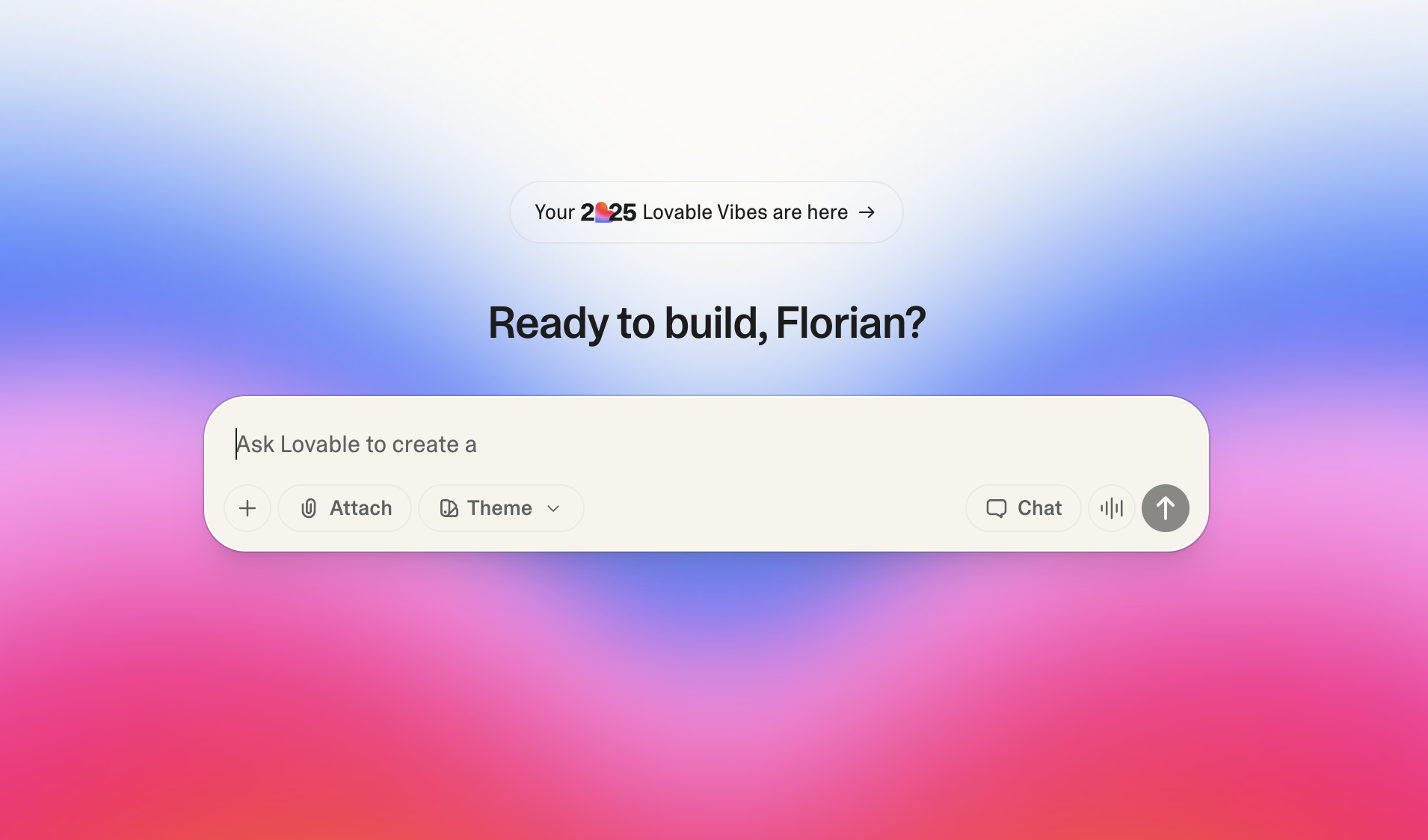
Step 1: Sign Up
Go to lovable.dev and create an account. There's a free tier for experimentation.
Step 2: Describe What You Want
Write a clear description of your idea. The more specific, the better.
Vague (bad):
Make me a dashboardSpecific (good):
Create a simple sales dashboard with:
- A header showing 'Q4 Sales Dashboard'
- 3 metric cards at the top: Total Revenue, Number of Deals, Average Deal Size
- A bar chart showing monthly revenue for Oct, Nov, Dec
- A table listing the top 5 deals with columns: Company, Amount, Status
- Use a clean, professional look with blue accent colors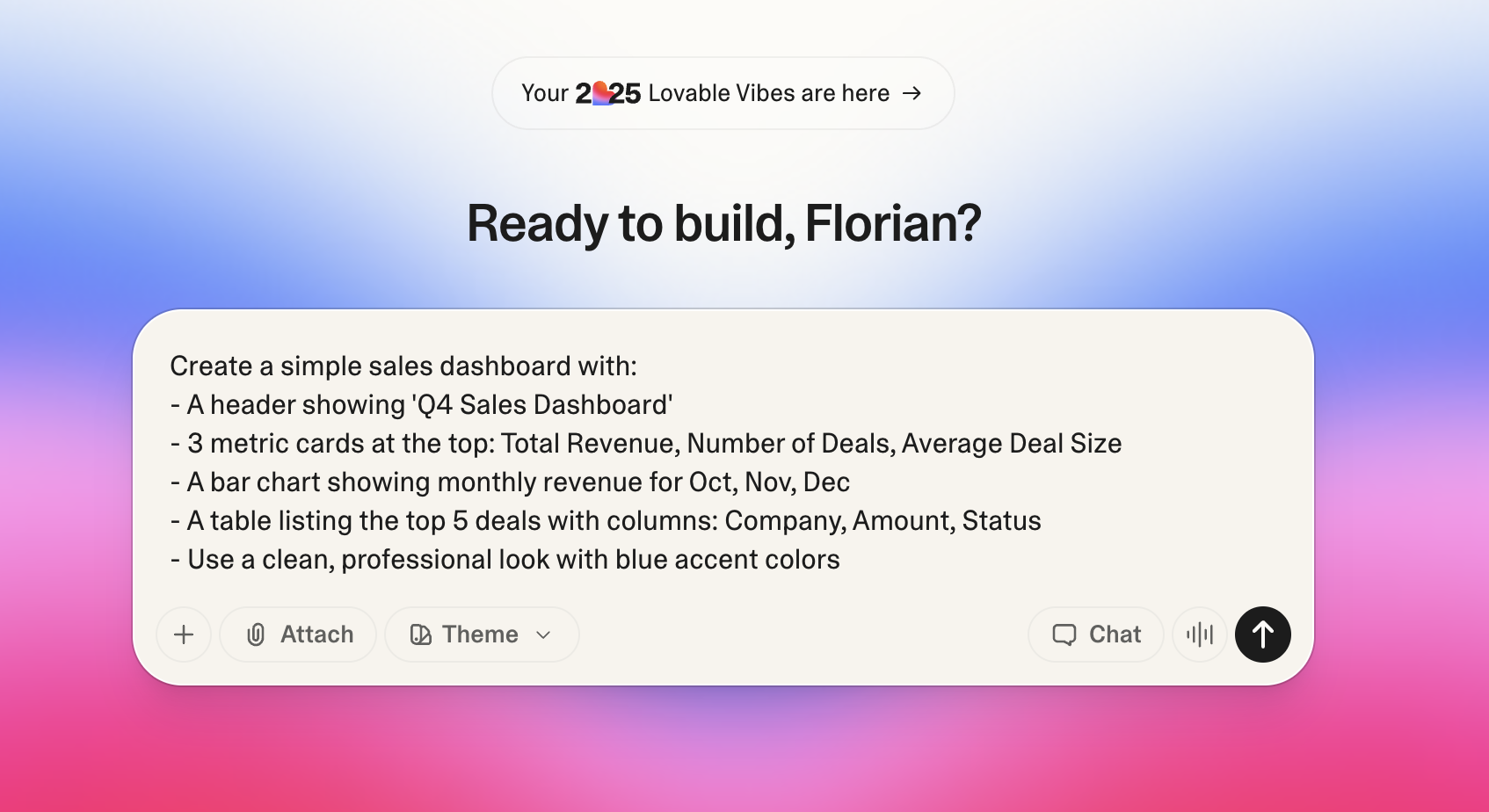
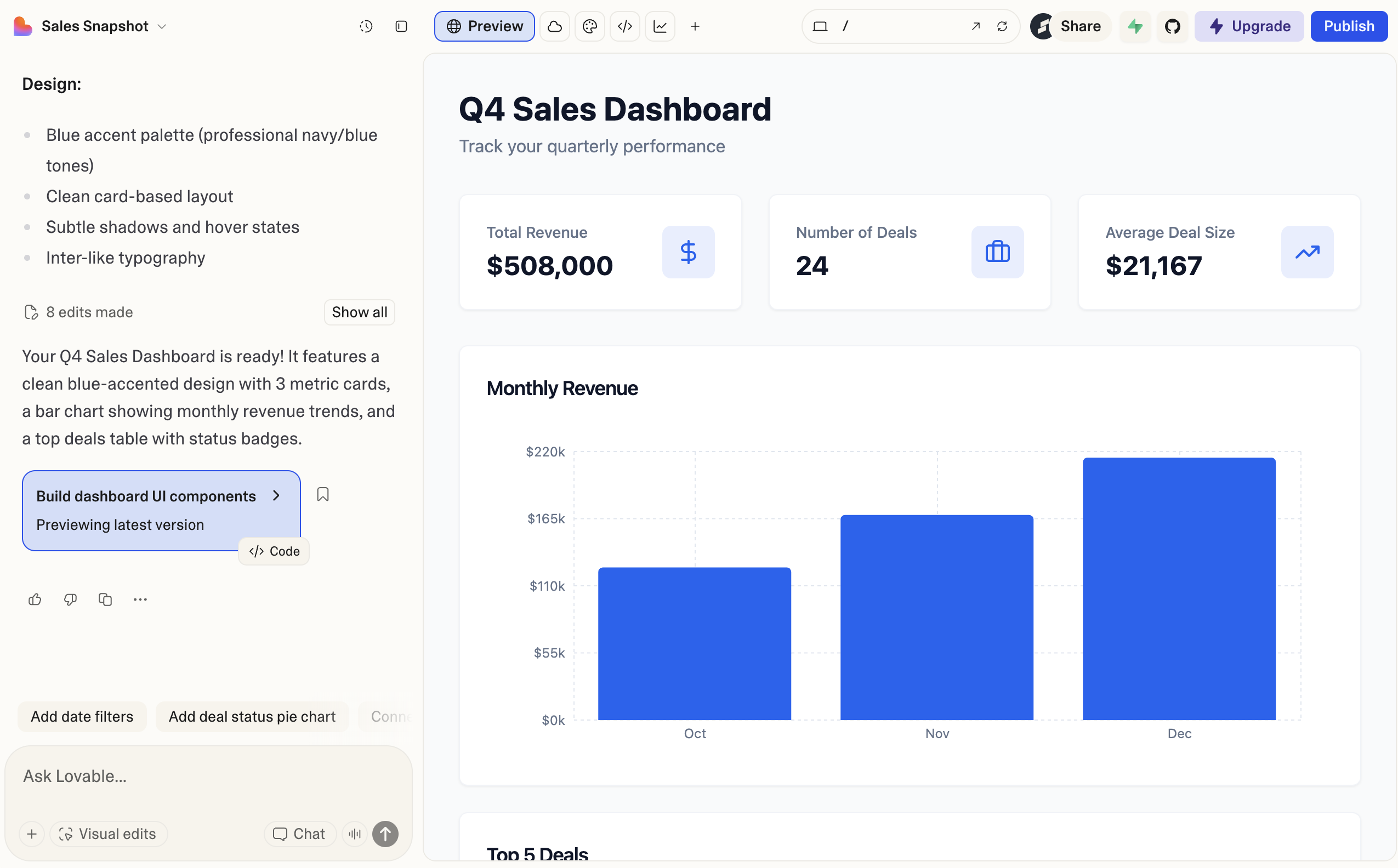
Step 3: Iterate
Your first result won't be perfect. Refine it:
- "Make the header larger"
- "Change the chart to a line graph"
- "Add a search box above the table"
- "Make it mobile-friendly"
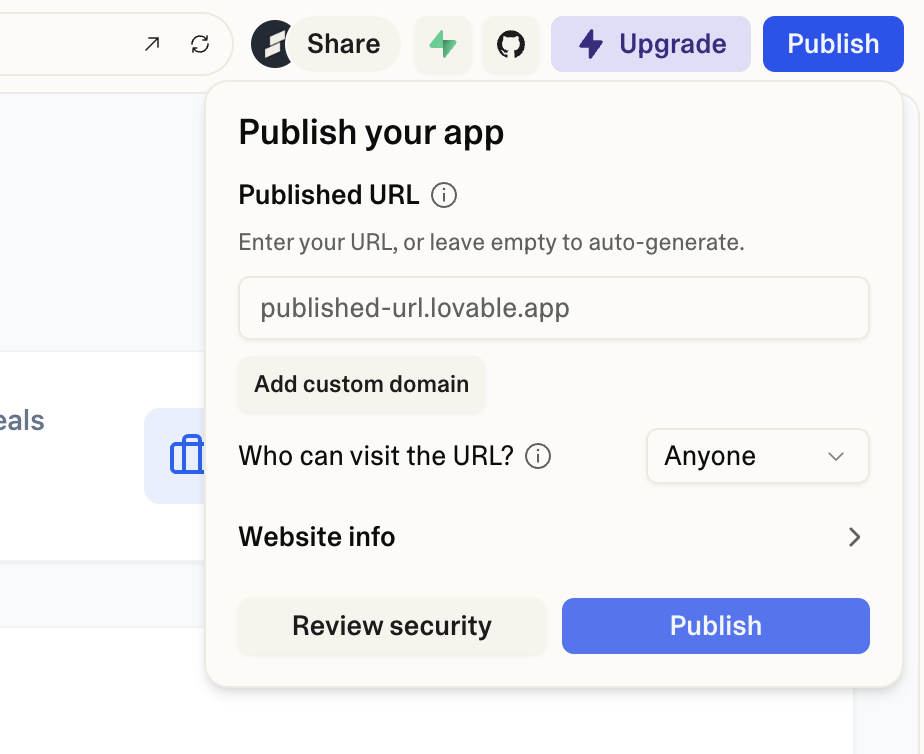
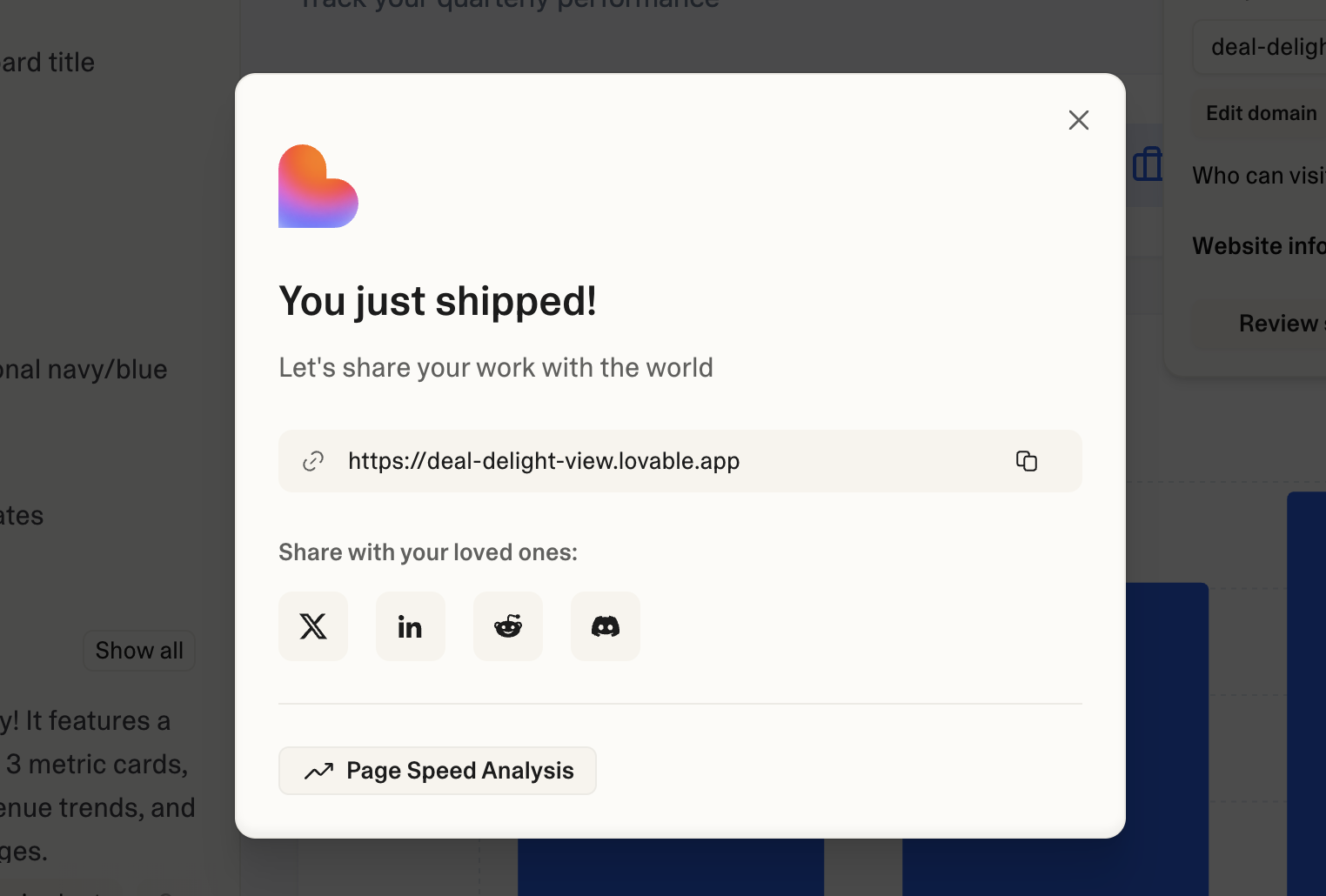
Step 4: Share or Deploy
- Share: Get a preview link to show others
- Deploy: One-click deployment to a real URL (for demos)
Example: Dashboard Prototype
Prompt:
Create a customer feedback dashboard for a SaaS product team.

Include:
- Header: "Customer Feedback Dashboard" with today's date
- Summary cards showing: Total Feedback (142), Positive % (78%), Issues Reported (31)
- A pie chart showing feedback by category: Feature Requests, Bug Reports, Praise, Questions
- A list of recent feedback items with: Date, Category, Summary (one line), Sentiment (positive/negative/neutral indicator)
- Filter buttons at the top to show All / Positive / Negative

Style: Clean and modern, similar to Linear or Notion. Dark mode optional but nice to have.
This gives Lovable enough detail to create something useful in one shot.
The Important Caveat
Important
Lovable is for prototypes and demos, NOT production applications.
Why This Matters
| Reality | What It Means |
|---|---|
| You can't maintain the code | If it breaks, you probably can't fix it |
| No security guarantees | Don't handle real user data or payments |
| Not integrated with your systems | It's isolated - no database, no real backend |
| Code quality varies | AI-generated code can have subtle issues |
The Right Mindset
Use Lovable to:
- Do: Communicate ideas visually
- Do: Test whether a concept resonates
- Do: Create demos for presentations
- Do: Build throwaway internal tools
Don't use Lovable to:
- Don't: Build things you'll rely on long-term
- Don't: Handle any real user data
- Don't: Replace actual development for real products
Want to Build Real Things?
If you find yourself wanting to turn a Lovable prototype into a real application, that's a sign you're ready for the AI-Enabled Builder path. That course teaches you to build things you can actually maintain and deploy properly.
Key Takeaways
- Lovable turns descriptions into working prototypes - Great for visualizing ideas quickly
- Use it for demos and communication - Show, don't tell
- Don't use it for production - Prototypes are disposable; real apps need real development
- Be specific in your descriptions - Details lead to better results
- Iterate to refine - First output is a starting point, not the end